
Flat Mode
For handwriting, equipment setup, loose objects and general office work, just like a normal desk.
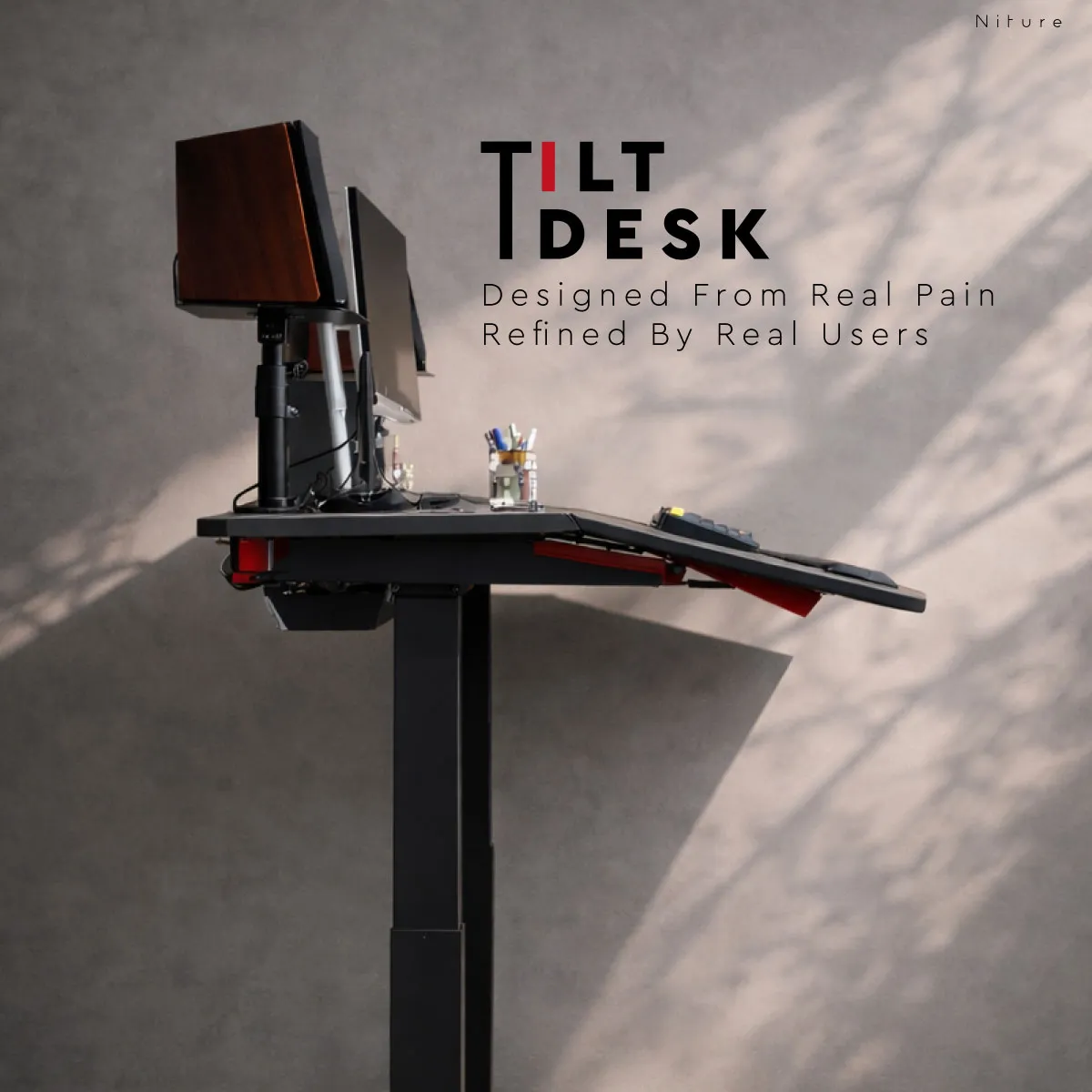
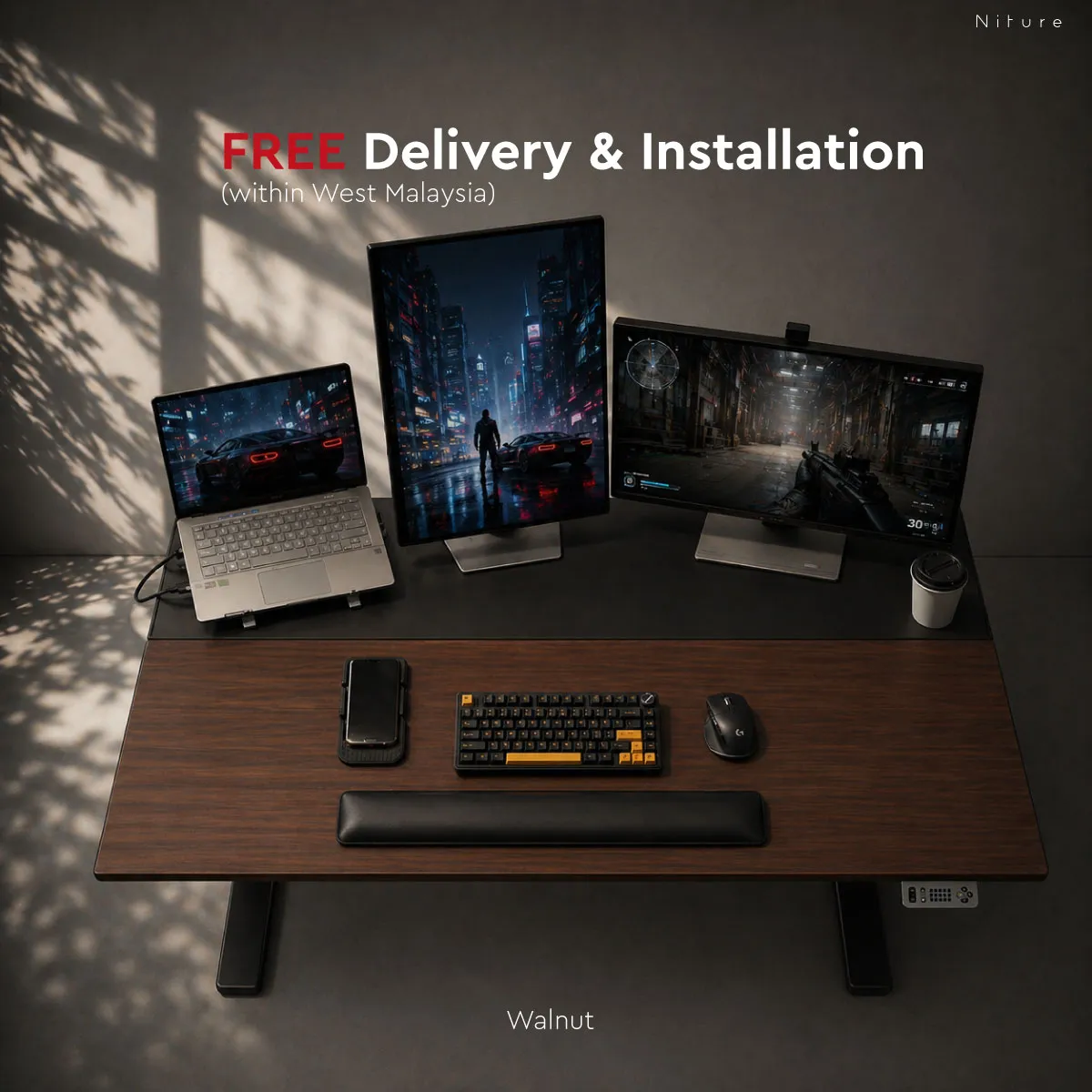
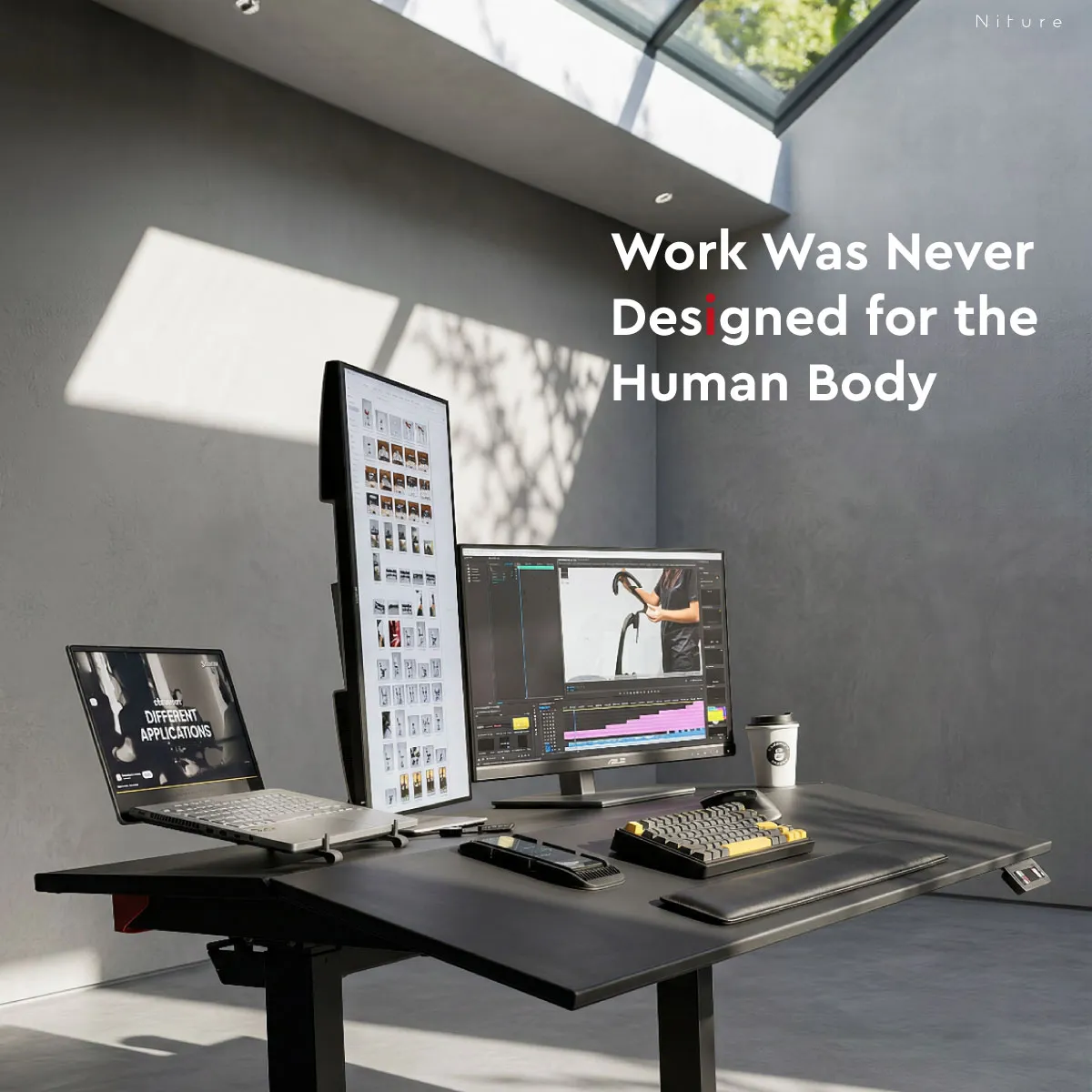

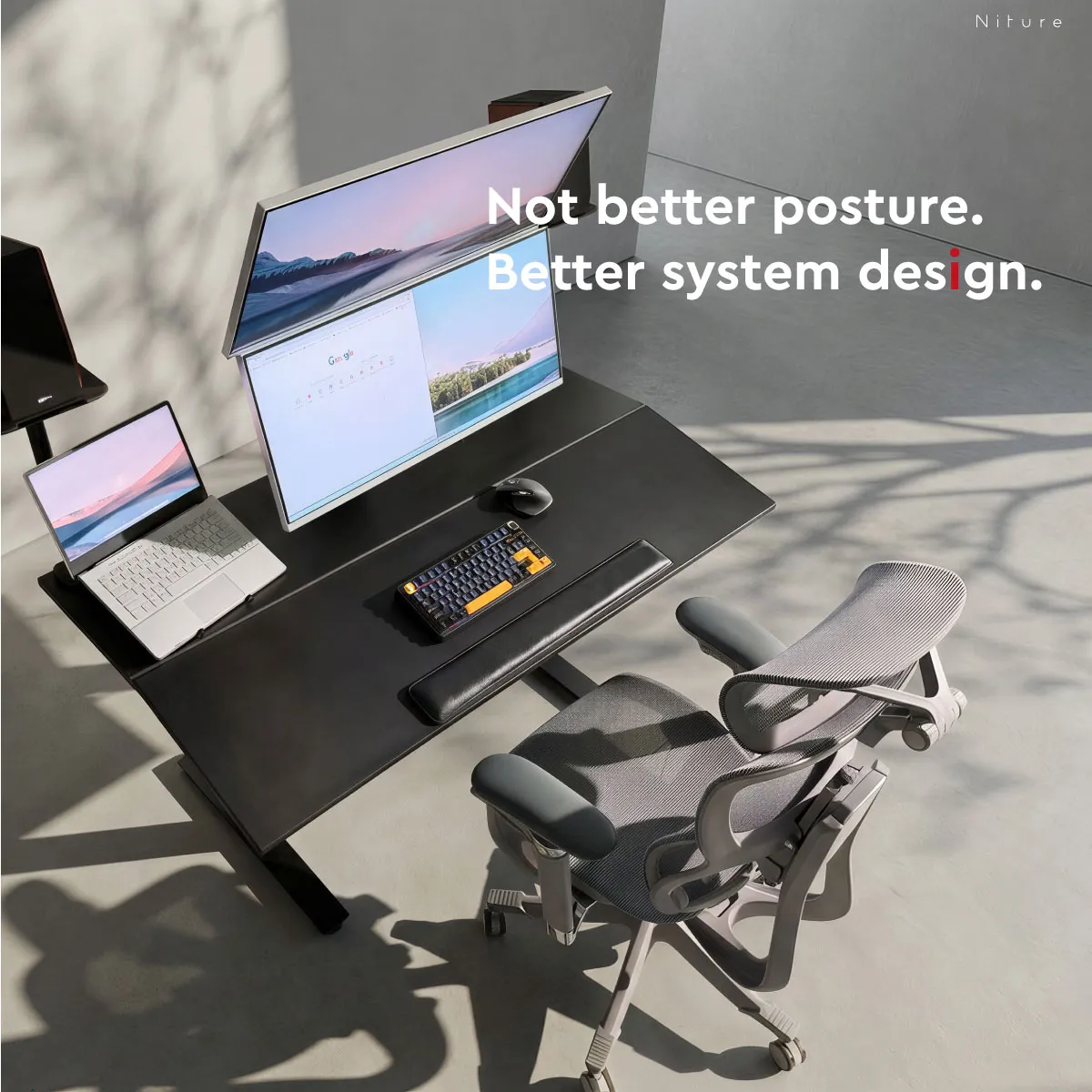
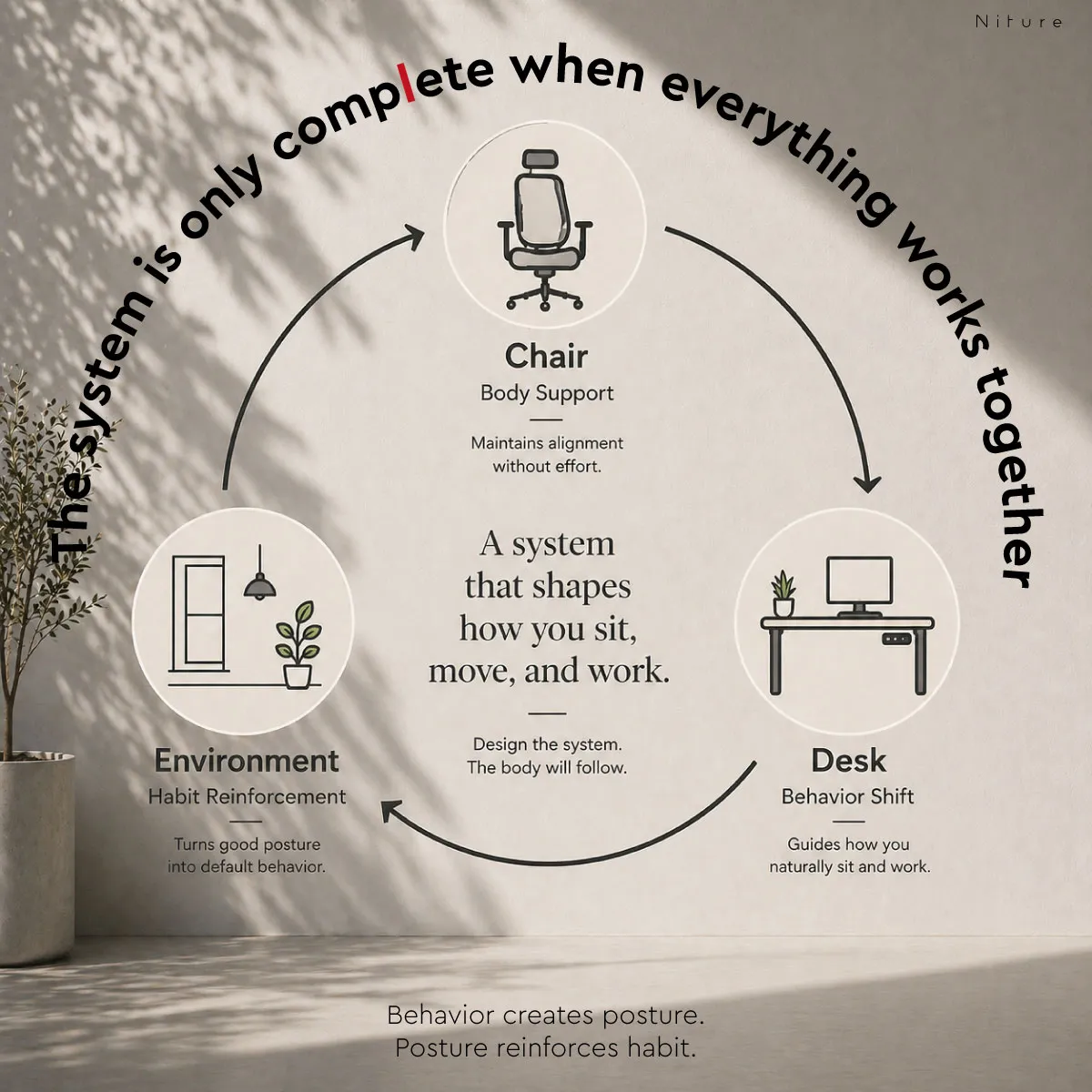
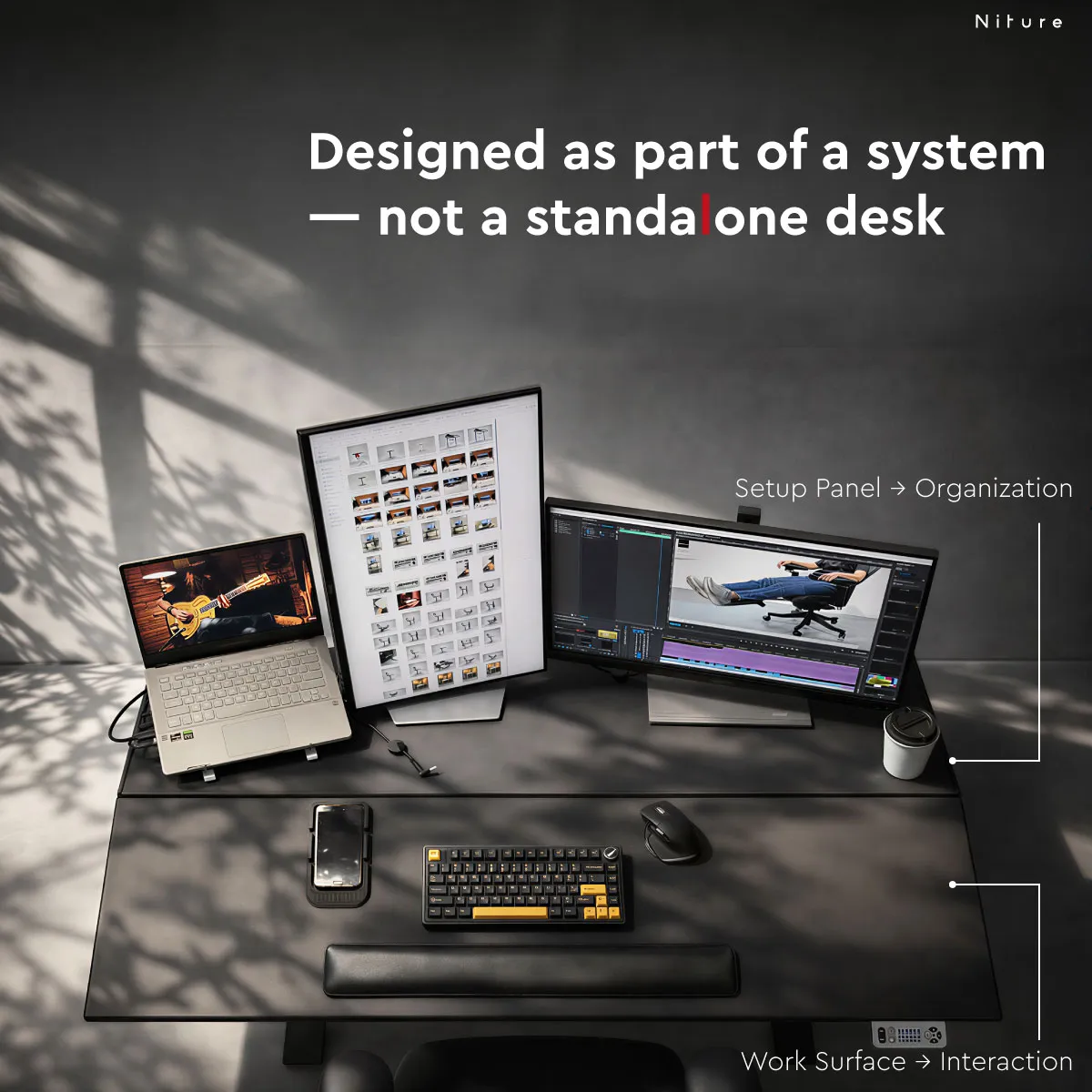
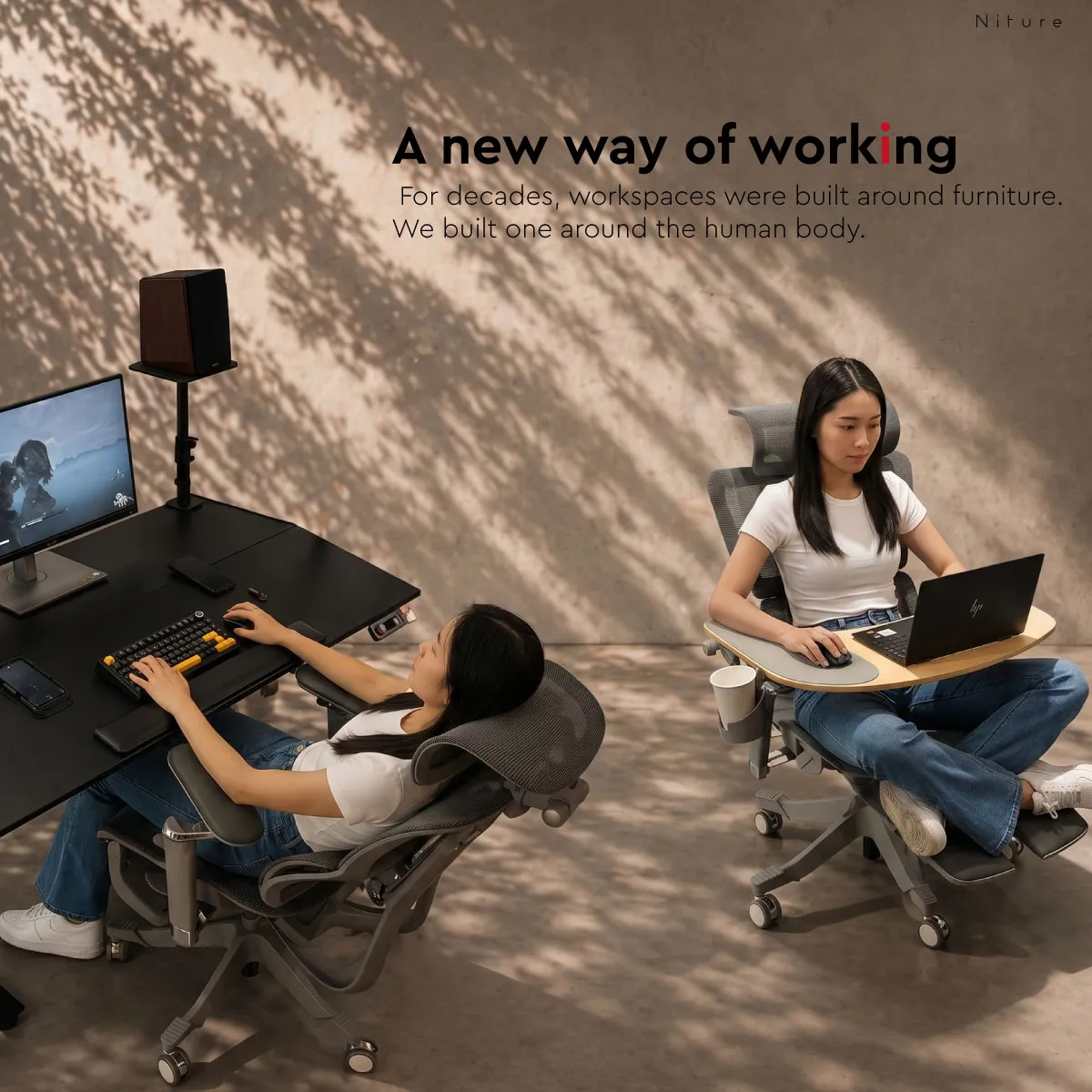
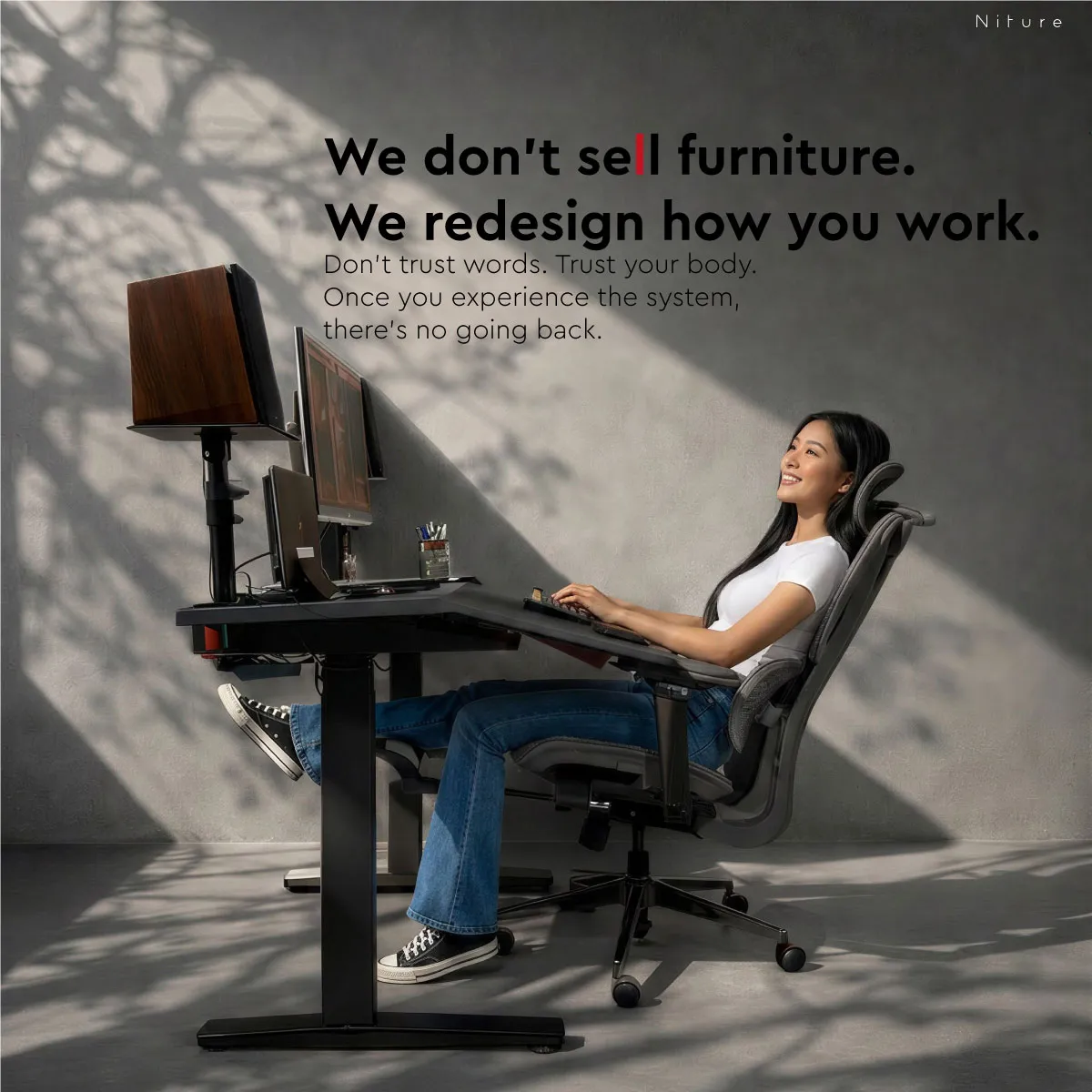
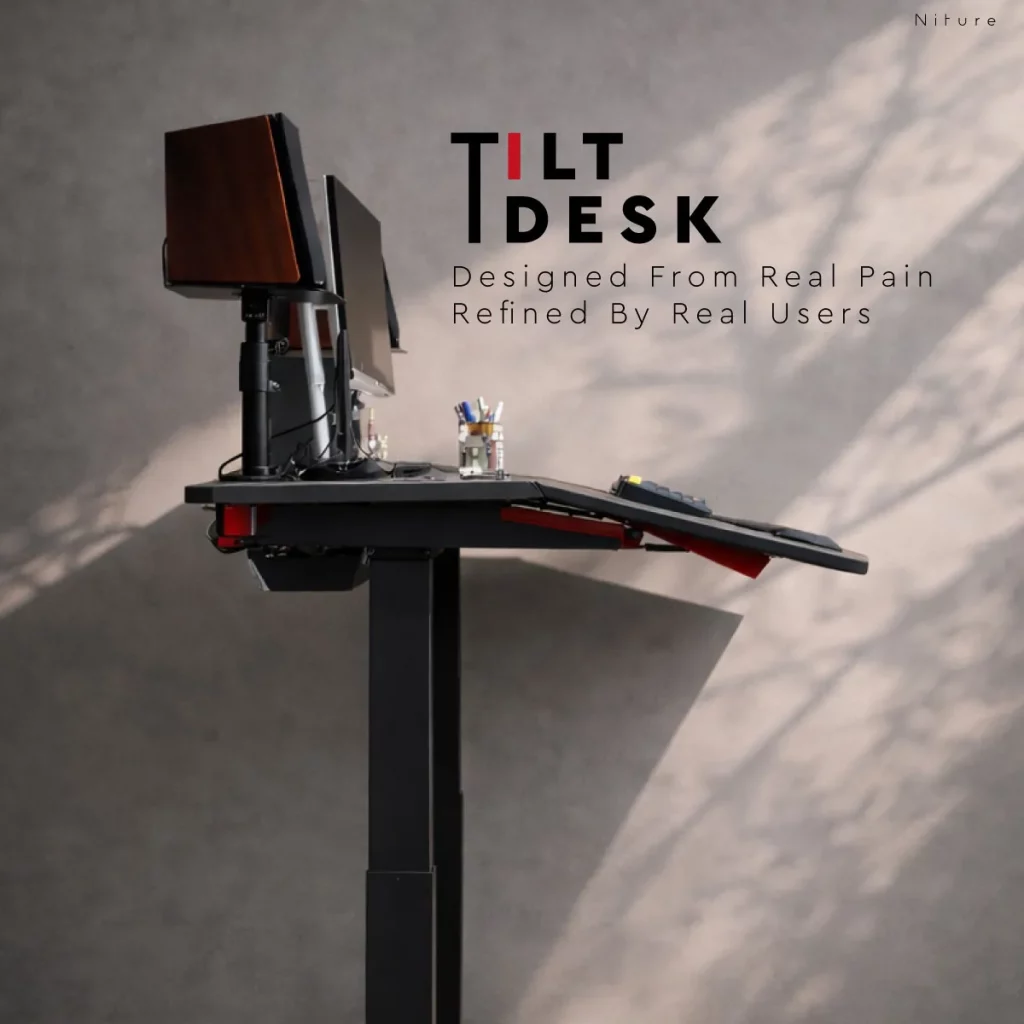
Niture TILT is an electric sit-stand desk with a front work surface you can tilt from 0° to 15°. Keep it flat like a normal desk, or angle it so your keyboard, mouse, tablet or reading sits closer to you and you can stay back against your chair. Monitors stay on a separate, level setup panel.
A normal standing desk only changes height, so when you sit down you are back at a flat worktop and tend to lean forward to reach it. TILT also brings the front work surface towards you, so it is easier to stay back against your chair.
TILT is not fixed at 15°. Set the work surface anywhere from flat to the maximum angle, depending on the task, your equipment, your chair position and arm length.
For handwriting, equipment setup, loose objects and general office work, just like a normal desk.
Add only as much angle as you need to bring the keyboard, mouse, tablet or reading material closer.
The biggest change in how close the work zone sits to you and your chair.
Start at a small angle and increase it gradually. The desk does not need to stay at 15° all day.
TILT splits the desktop in two. The front Work Panel tilts towards you; the rear Setup Panel stays level, so your monitors and equipment do not move when you change the angle.
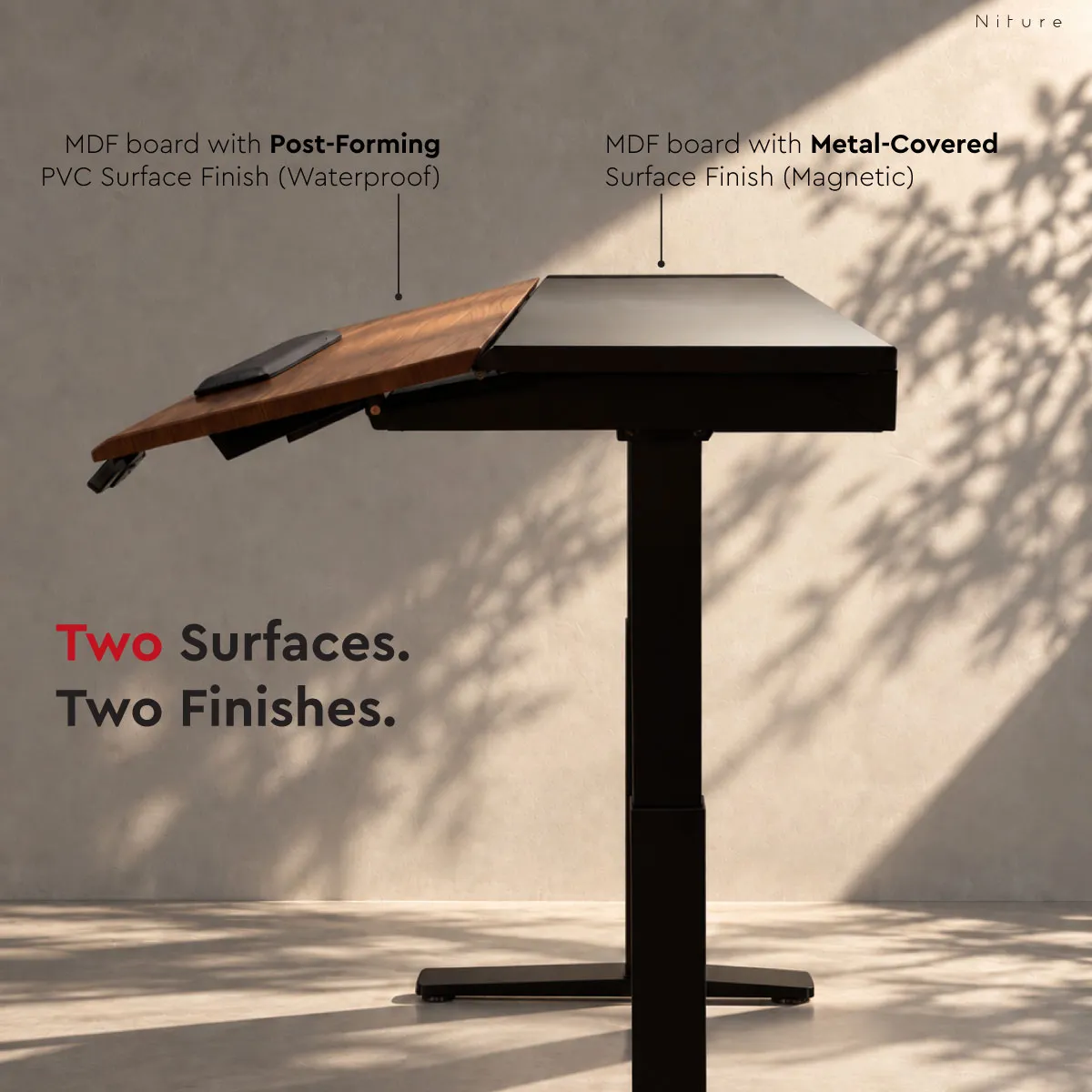
For the keyboard, mouse, laptop, tablet, reading and writing. MDF board with a post-forming PVC finish that is waterproof, scratch-resistant and easy to clean, with a rounded front edge for the hands and forearms.
For monitors, monitor arms, devices and cable routing. MDF board with a metal-covered finish, so compatible magnetic accessories attach directly to the panel.
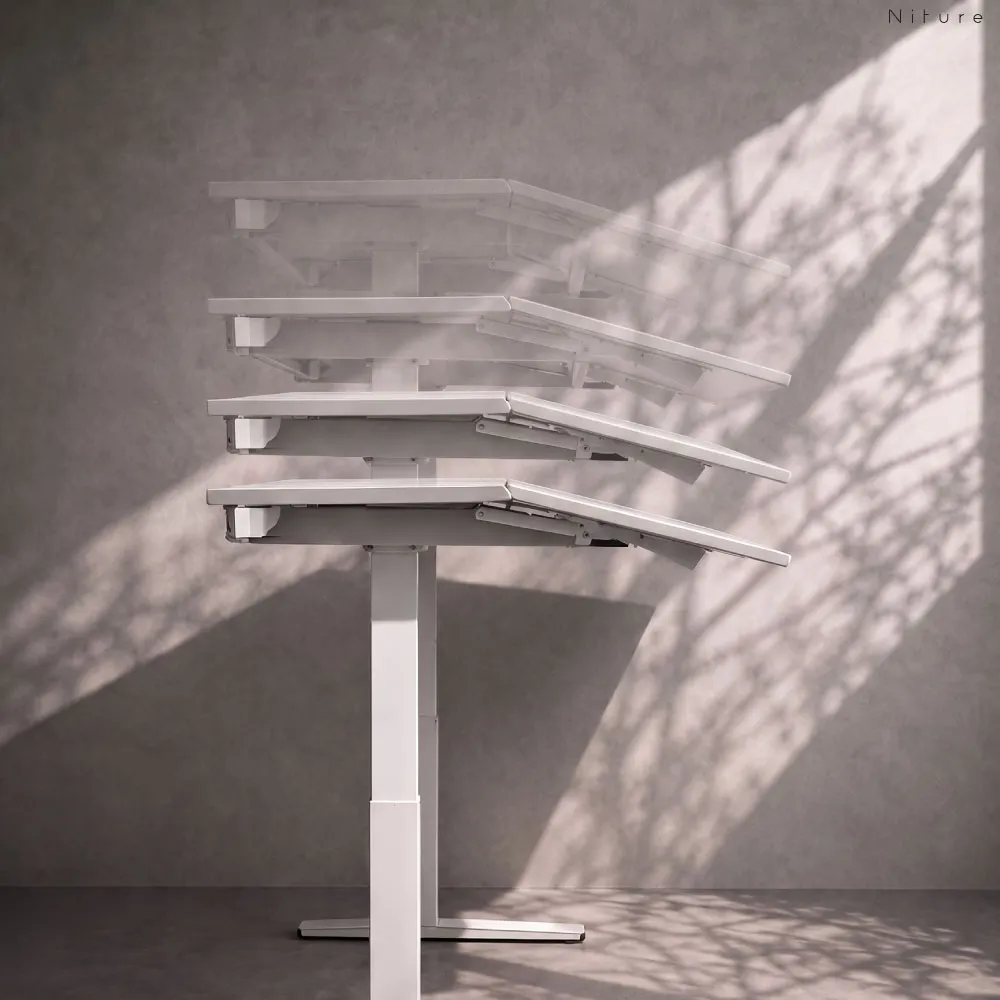
Most electric desks use their motors only to raise and lower a flat top. TILT uses four motors: two for height and two for the Work Panel angle.
Approximately 75–122 cm for sitting and standing.
Work Panel from 0° to 15°, set independently.
Shows and controls desk movement.
Three memory settings plus a child lock.
Most people switch between tasks all day. TILT lets you change the desk to suit each one, instead of holding one posture from morning to evening.
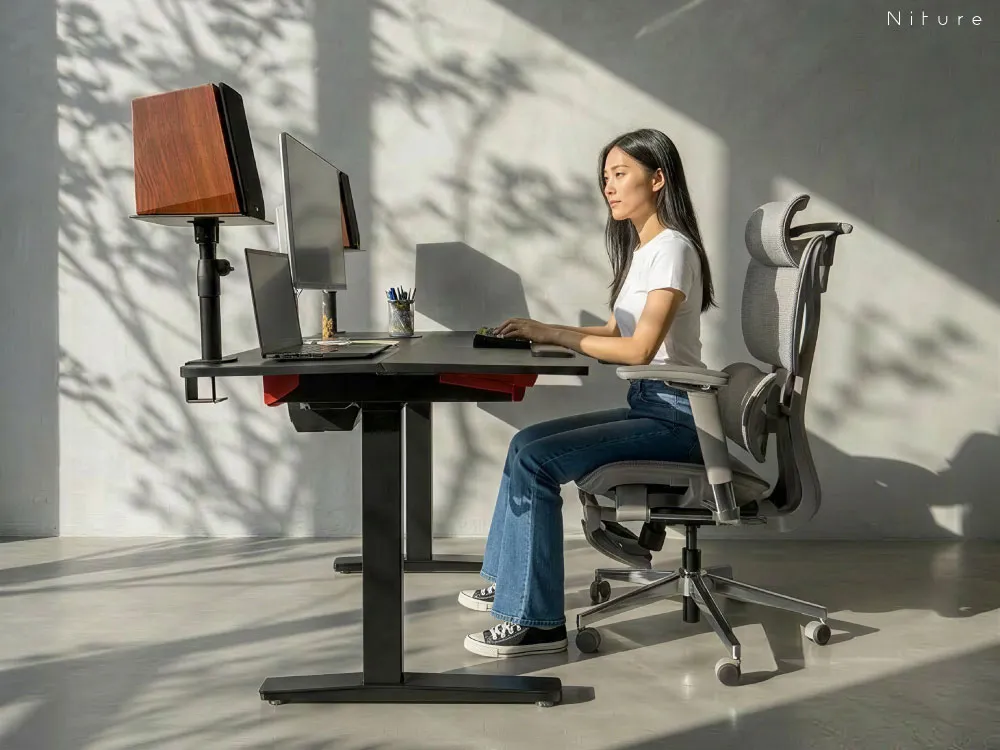
Work Panel at 0°. Use TILT like a normal desk for writing, paperwork and general office tasks.
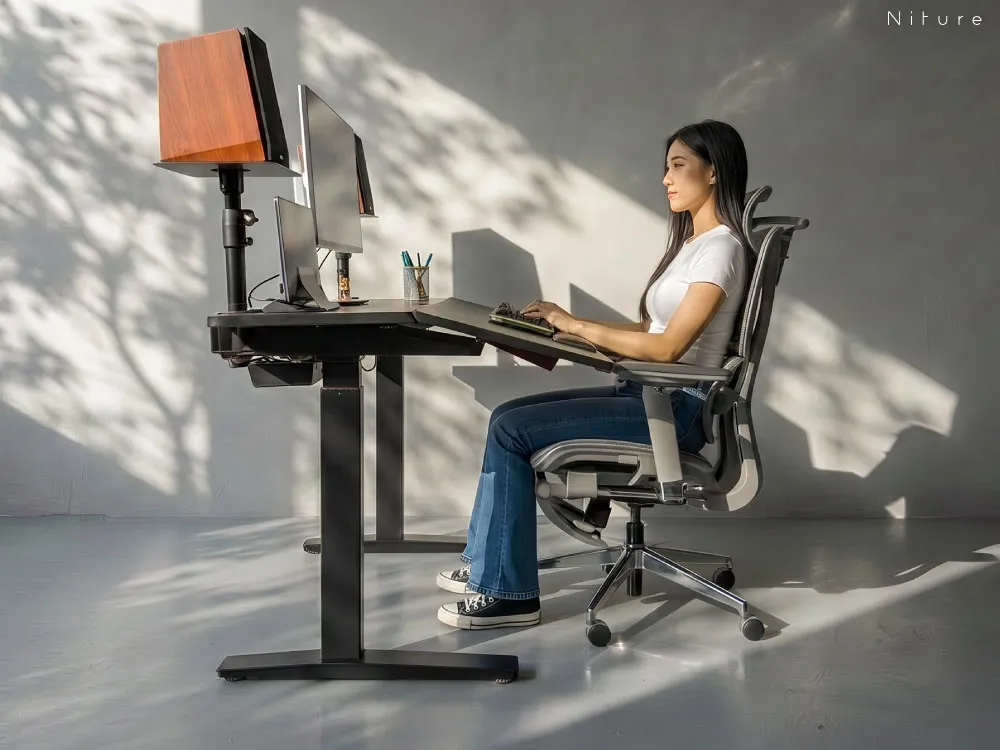
Angle the Work Panel so the keyboard, tablet or reading sits closer, and keep your back against the chair while you focus.
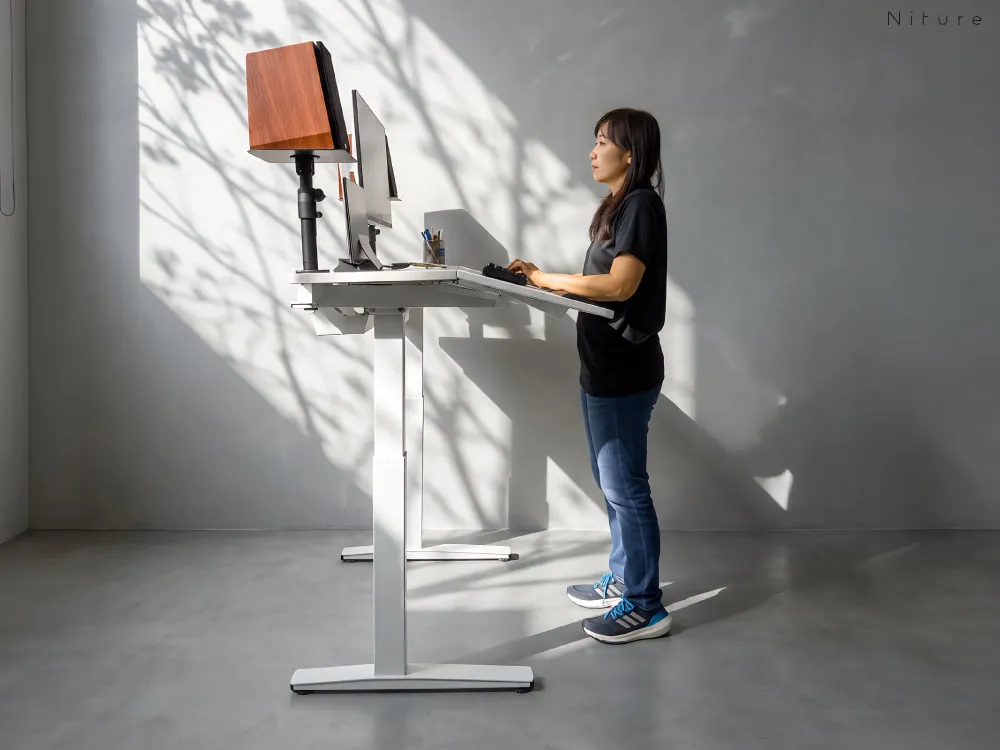
Raise the desk for calls, quick tasks or a change of position, then lower it again when you sit back down.
Supported tilted sitting works best with a chair that fits your body. Not sure which one? Try the Niture Chair Finder.
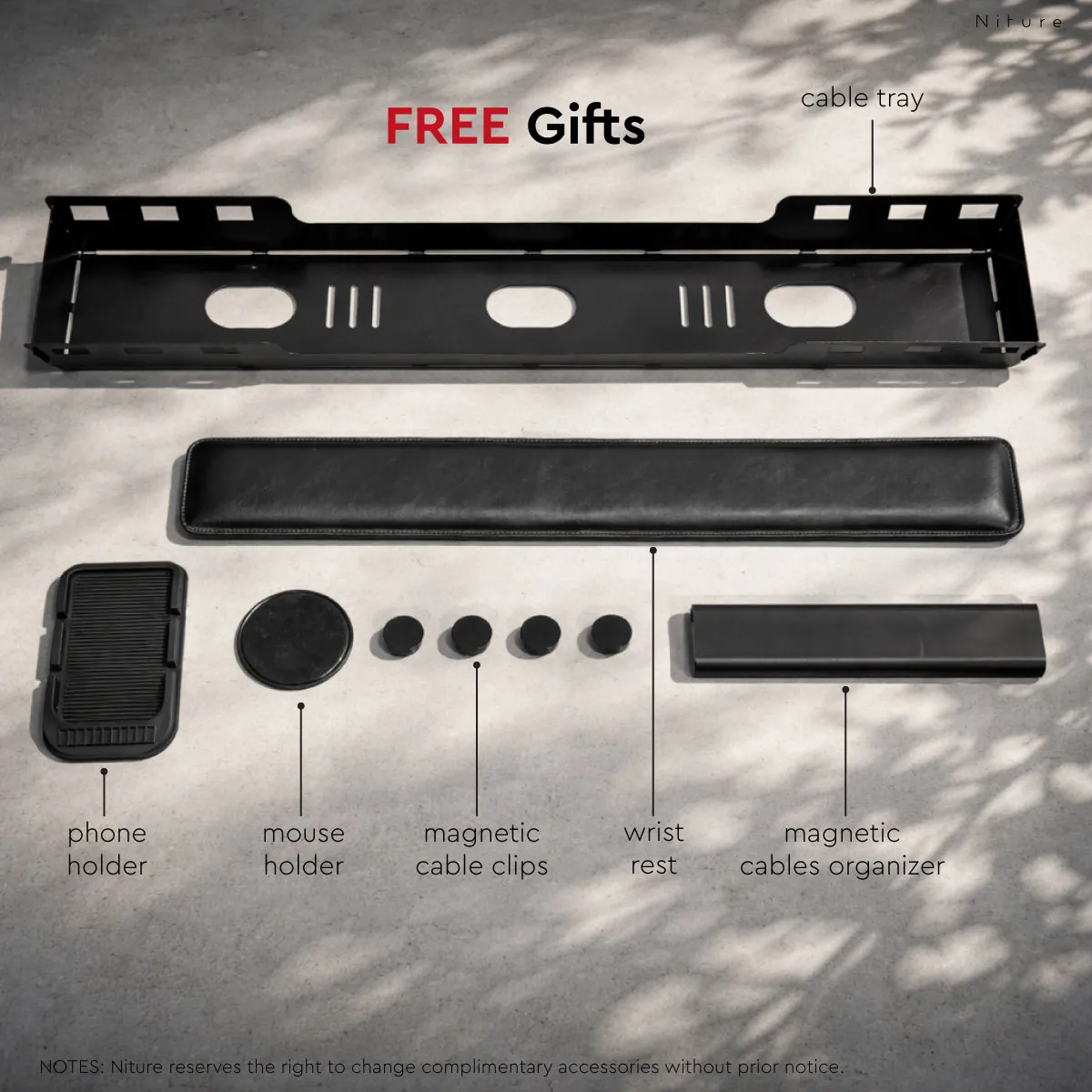
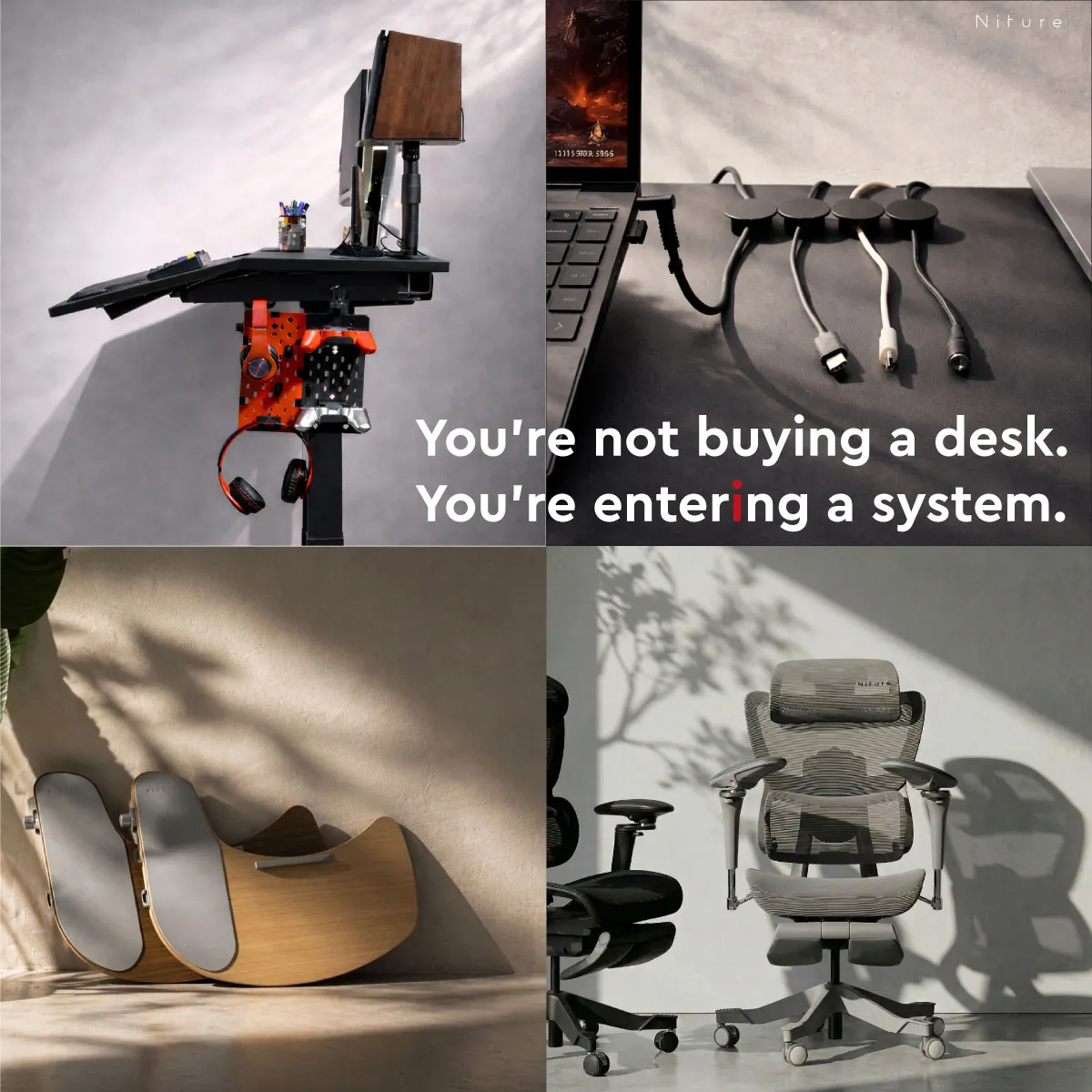
Every TILT currently comes with these accessories at no extra cost, to organise cables, support your arms and keep devices steady on the tilted Work Panel.
A softer resting area along the front edge of the Work Panel.
Holds a power strip and keeps cables off the floor.
Keeps cable routing tidy on the Setup Panel.
Guide charging, display and accessory cables.
Gives your phone a fixed spot on the Work Panel.
Keeps the mouse in place when the panel is tilted.
Niture may change the complimentary accessories without prior notice. The accessories are not covered by the desk warranty.
Both raise and lower for sitting and standing. The difference is what happens to the work surface when you sit back down: a normal desk stays flat, while TILT can bring the front Work Panel towards you.
| Feature | Normal standing desk | Niture TILT |
|---|---|---|
| Sit-stand height adjustment | Yes | Yes, approx. 75–122 cm |
| Flat work surface | Yes | Yes, at 0° |
| Adjustable work-surface angle | Usually no | Yes, 0°–15°, electric |
| Work surface moves towards you | No | Yes |
| Separate work and monitor zones | Usually no | Yes |
| Magnetic setup panel | Usually no | Yes |
| Motors | Usually one or two, for height | Four, for height and tilt |
| Accessories included | Varies | Six complimentary accessories |
| Setup and use | Simpler | More adjustment to learn |
Choose a normal standing desk if you only need height adjustment. Choose TILT if you also want to control the angle and reach of your work surface. Comparing several brands? Read our guide to the best standing desk in Malaysia.
TILT comes in two widths, both 780 mm deep. Pick the size around your equipment and room, then the colour. White is available on the 1400 mm only.
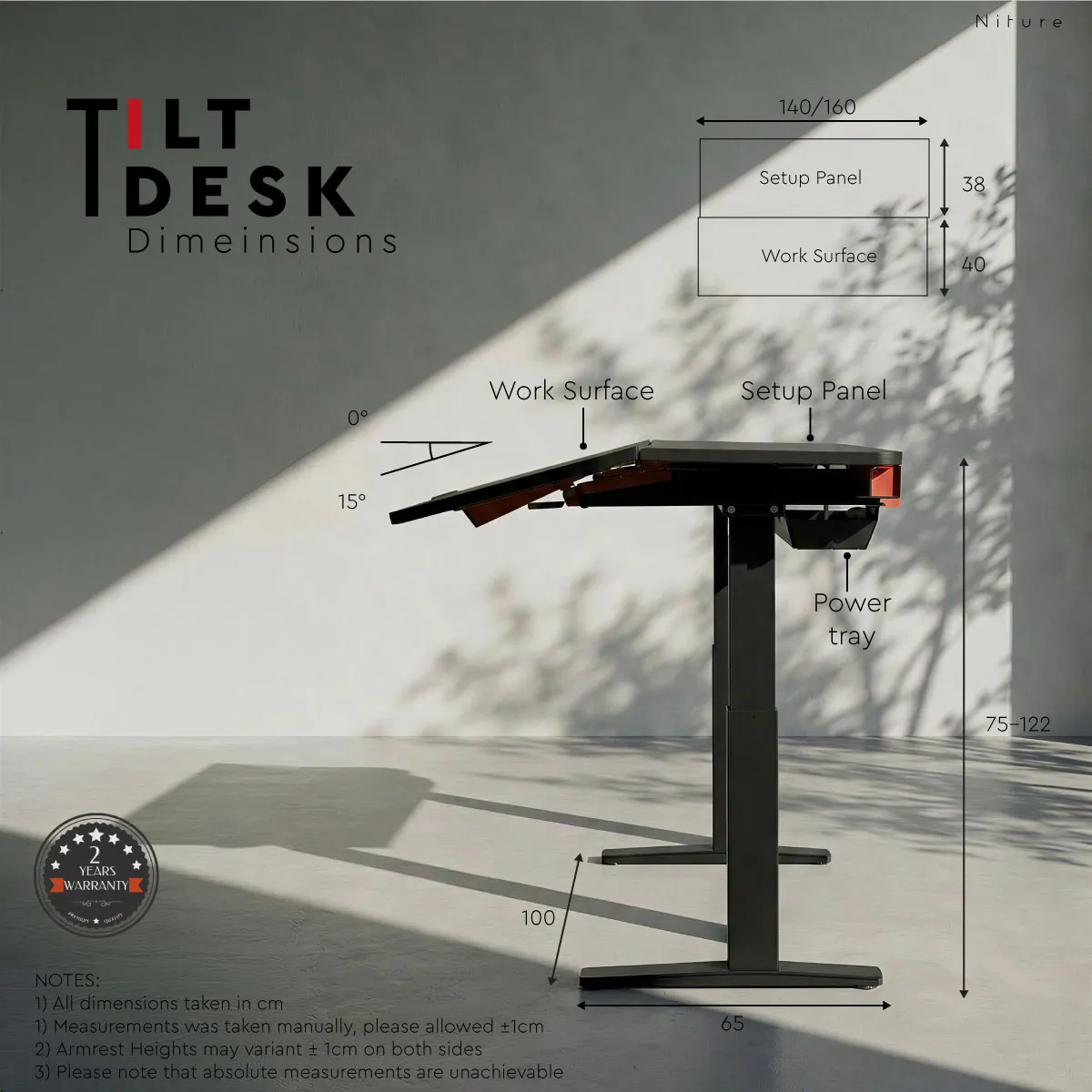
Before ordering, measure the wall width, skirting, nearby doors, chair clearance and monitor-arm footprint. The larger desk is not automatically the better fit.
Full specifications for Niture TILT: sizes, colours, adjustment range, motors, controls and the two worktop surfaces.
Two worktop sizes with powered height and work-surface angle adjustment.
Four motors power the desk's vertical movement and adjustable Work Panel.
TILT uses two separate MDF-based surfaces, each finished differently for its intended function.
Every TILT includes free delivery and professional installation in West Malaysia and a two-year warranty.
Delivered and installed within 7 working days.
Delivered and installed within 14 working days.
Availability, charges and installation differ. Ask on WhatsApp.
Covers verified manufacturing defects in the motors, tilting mechanism, controller, table frame and structural components, subject to Niture’s warranty terms. The complimentary accessories are not covered. Read the warranty.
Contact Niture immediately: we replace defective items, and exchange a wrong item for the one you ordered. Please do not assemble a wrong item. Read the returns policy.
After installation, the desk can be checked for height movement, Work Panel tilt, controller operation and stability before use. If your building has restricted access, special handling or appointment rules, let us know before ordering.
A normal standing desk adjusts vertically while keeping a flat worktop. TILT adds an electrically adjustable 0°–15° active work surface and a separate setup panel for monitors, devices, and cable organisation.
No. The active work surface can be used completely flat at 0° or adjusted to any suitable position up to a maximum of 15°.
Yes. Return the work surface to 0° whenever writing, equipment placement, or another task benefits from a conventional level surface.
The 1400 mm version suits more compact rooms and simpler setups. The 1600 mm version provides more horizontal room for multiple monitors, monitor arms, and equipment-heavy workstations.
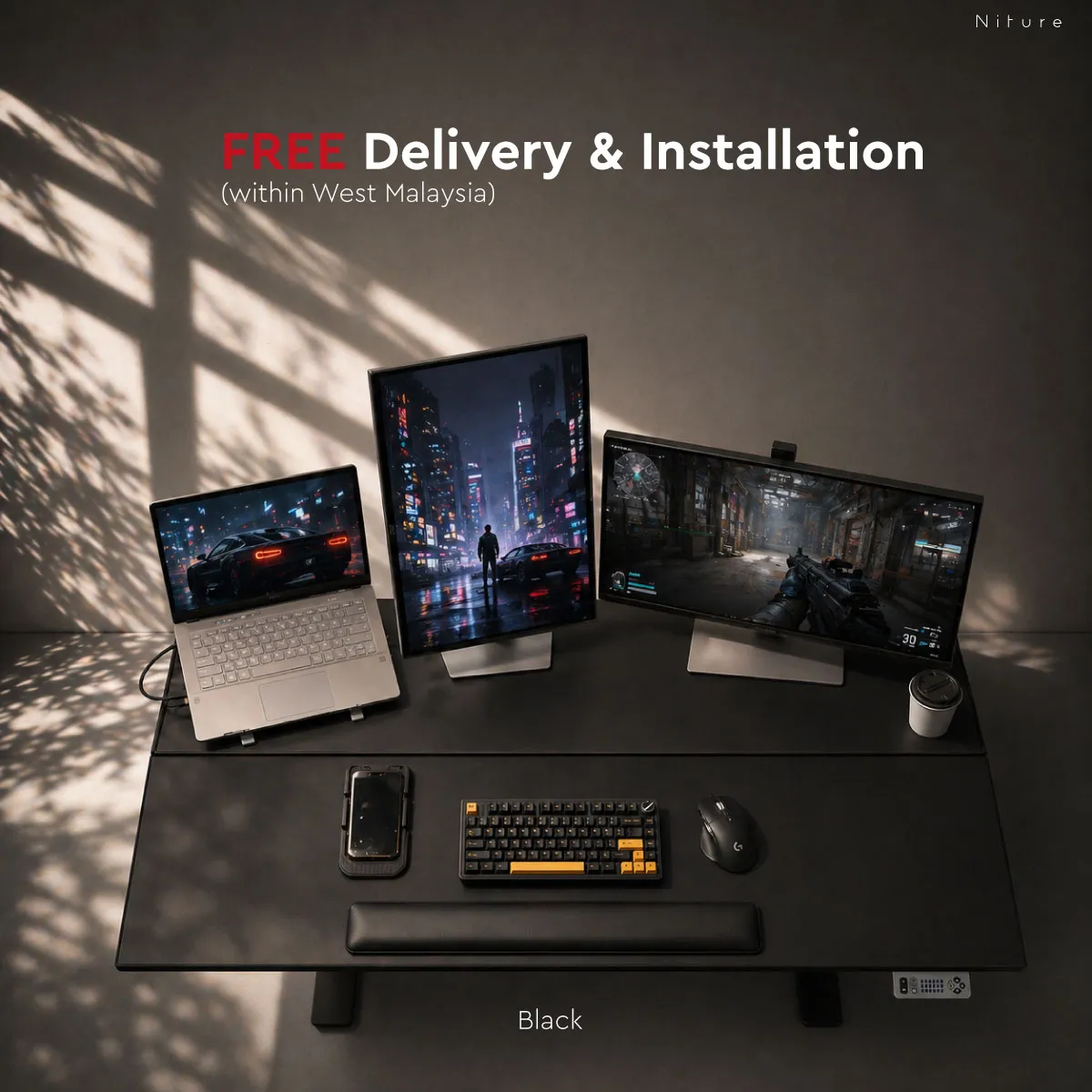
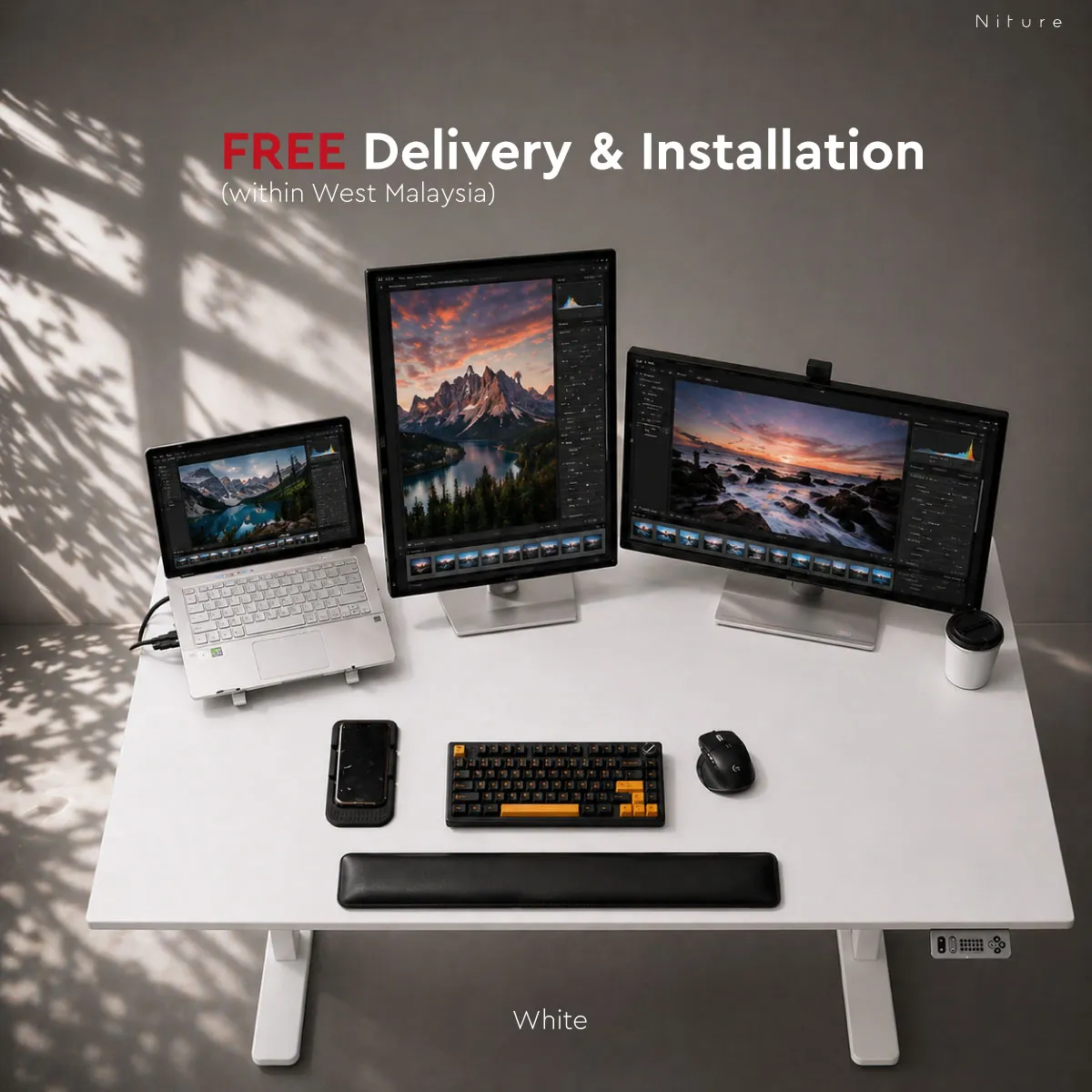
The 1400 mm TILT is available in Black, White or Walnut. The 1600 mm TILT is available in Black or Walnut.
Delivery and professional installation are free within West Malaysia. Delivery takes place within 7 working days in the Klang Valley and within 14 working days elsewhere in West Malaysia. For Sabah, Sarawak, Labuan and islands, contact Niture before ordering.
TILT has a two-year warranty covering verified manufacturing defects in the motors, tilting mechanism, controller, table frame and structural components, subject to Niture’s warranty terms. The complimentary accessories are not covered.
Every TILT currently comes with complimentary accessories: an under-desk cable tray, a PU arm pad, an anti-slip phone holder, an anti-slip mouse holder, four magnetic cable clips and a magnetic cable cover. Niture may change the complimentary accessories without prior notice.
The desk includes an anti-slip mouse holder and PU arm pad. The surface does not need to be used at the full 15° angle; start with a smaller angle and adjust it according to the equipment and way you work.
Compatible monitor arms can be positioned on the rear setup panel. Check the clamp design, footprint, equipment weight, and intended placement before installation.
TILT has two kinds of powered movement: two motors raise and lower the desk, and two motors adjust the Work Panel angle from 0° to 15°.
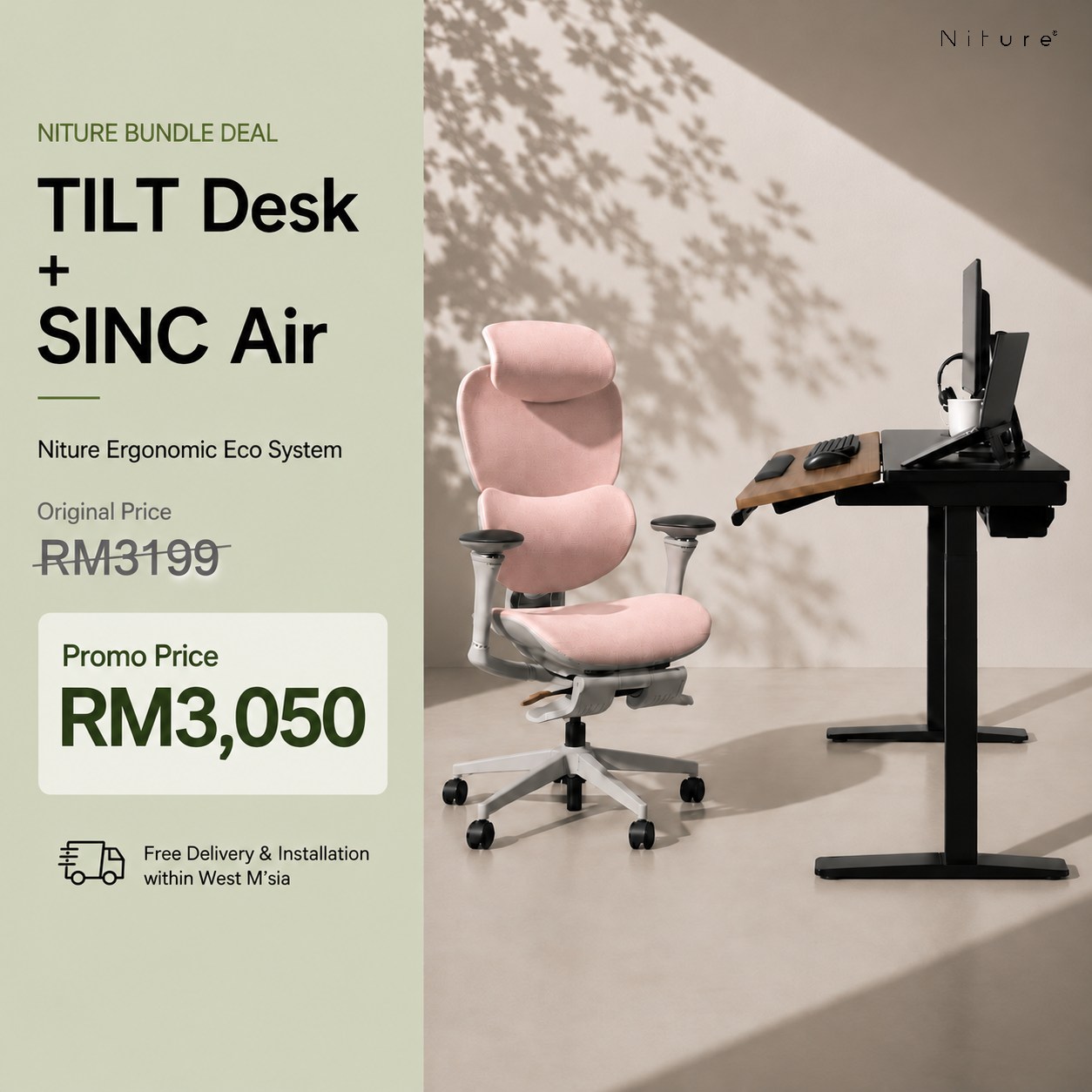
TILT works with any chair, but the angled Work Panel is designed to help you stay back against your chair, so the chair matters. Hammock 2 is an accessible pairing for everyday ergonomic support; the SINC series suits users who want more movement support during long sitting sessions. Choose by body proportions and support preference, or use the Niture Chair Finder.
Yes. TILT can be tested at the Niture showroom in Puchong. A physical trial helps you compare flat and tilted positions and understand how the desk interacts with different ergonomic chairs.
The difference a tilted work surface makes is easier to feel than to read about.
Try different angles, compare both worktop sizes and colours, and test TILT with Hammock 2 and the SINC series before you decide. Showroom visits are free.
How desk height, depth and a tilting work surface change your reach, posture and contact with your chair.
Complete Buying Guide Best Standing Desk in Malaysia: Complete 2026 Buying GuideDesk types, height range, stability, motors, load and warranty, and where TILT fits.
TILT Guide Niture TILT Standing Desk Guide: How the 0°–15° Work Surface Changes Your SetupHow the tilting Work Panel changes your reach, when to use it flat, and how to set TILT up for computer work.
Only logged in customers who have purchased this product may leave a review.
Not sure what to look for in a standing desk? Compare desk types, height range, stability, motors and warranty. Read the guide...
Choose the payment method that suits you best. We accept Visa, Mastercard, FPX, and Buy Now Pay Later (BNPL) options.
Enjoy peace of mind with our reliable warranty coverage. Our dedicated support team is always ready to assist with after-sales service. Learn More...
Get your ergonomic furniture delivered safely and on time. We provide fast, secure, and trackable shipping options to ensure your order reaches you in perfect condition.
RM1,900.00 – RM2,000.00Price range: RM1,900.00 through RM2,000.00
Not sure what to look for in a standing desk? Compare desk types, height range, stability, motors and warranty. Read the guide...
Choose the payment method that suits you best. We accept Visa, Mastercard, FPX, and Buy Now Pay Later (BNPL) options.
Enjoy peace of mind with our reliable warranty coverage. Our dedicated support team is always ready to assist with after-sales service. Learn More...
Get your ergonomic furniture delivered safely and on time. We provide fast, secure, and trackable shipping options to ensure your order reaches you in perfect condition.
Reviews
There are no reviews yet.